DATA EXPLORER
The Data Explorer is the suite's database room — the app you open when you want to see the data itself: any connection in your profile, its schemas and tables, a query box, a grid. Think SSMS or DBeaver, except it's already wired to every connection DVT knows, with no second copy of credentials to manage.
OPENING IT
Start the suite, and the Explorer is one card away from the hub:
$ dvt serve
# hub opens at http://localhost:46100/
# → click 🗄 DATA EXPLORER, or go straight to /explorer
Like every suite app it's a path on the one origin — /explorer on your project's suite_port (46100 by default). The HUB button in its top bar takes you back to the hub.
PICK A CONNECTION, WALK THE TREE
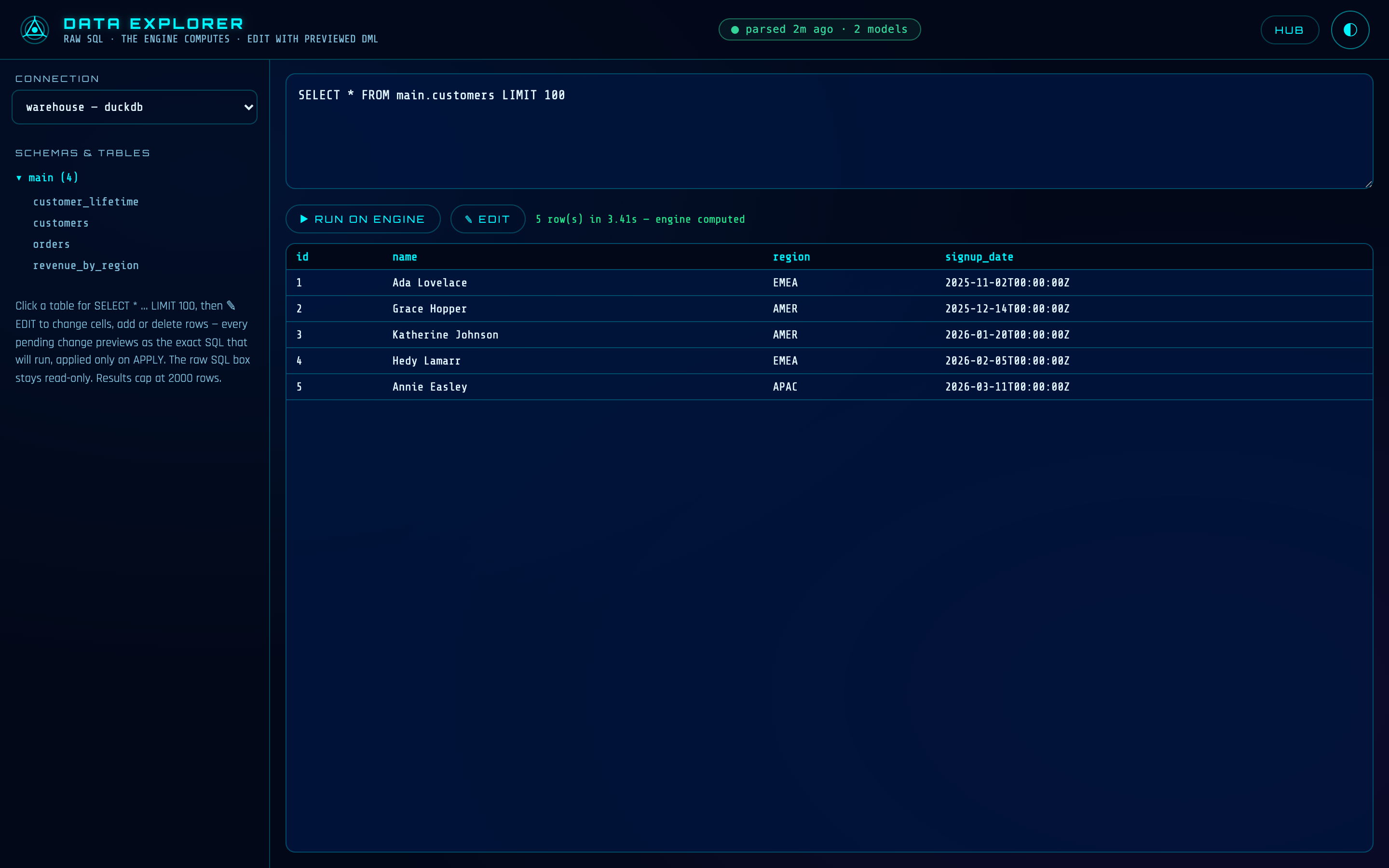
The dropdown on the left lists every output in your profiles.yml — databases and warehouses alike. Pick one and its schema tree loads live, from the engine's own metadata: schemas first, tables under them. Nothing here is a cached copy; you're looking at what the engine says exists right now.
File and bucket connections (S3, local files, …) appear in the list but aren't browsable — there's no SQL engine behind them to walk, and the Explorer says so plainly instead of pretending. Query those through a model, or ask Martin.
Click a table and the grid fills with SELECT * … LIMIT 100— the fastest possible answer to "what's actually in there?"
THE RAW-SQL BOX — A READ SURFACE
Below the grid is a SQL box. Write any query and run it — three honest facts about what happens next:
The engine computes.Your SQL ships to the connection's own engine and runs there, in that engine's own dialect. DVT never drags tables around to answer an ad-hoc query — the grid shows exactly what the engine returned, with the query time beside it.
It's read-only, enforced by parse.The SQL box is a read surface: the statement is classified before it runs, and anything that isn't a read is refused up front with a message pointing at the two real write doors — the grid editor below, and dvt exec. Not a warning you can click through; a refusal.
The grid is a viewport, not an export. Results cap at 2,000 rows, and the grid says honestly when a result was truncated. If your query has no limit of its own, DVT adds one on the engine, in the engine's own spelling (LIMIT, TOP, FETCH FIRST) — so a full million-row result is never dragged over just to be thrown away. Need data out in bulk? That's what models and the API Portal are for.
EDIT MODE — WRITES WITH THE SQL SHOWN FIRST
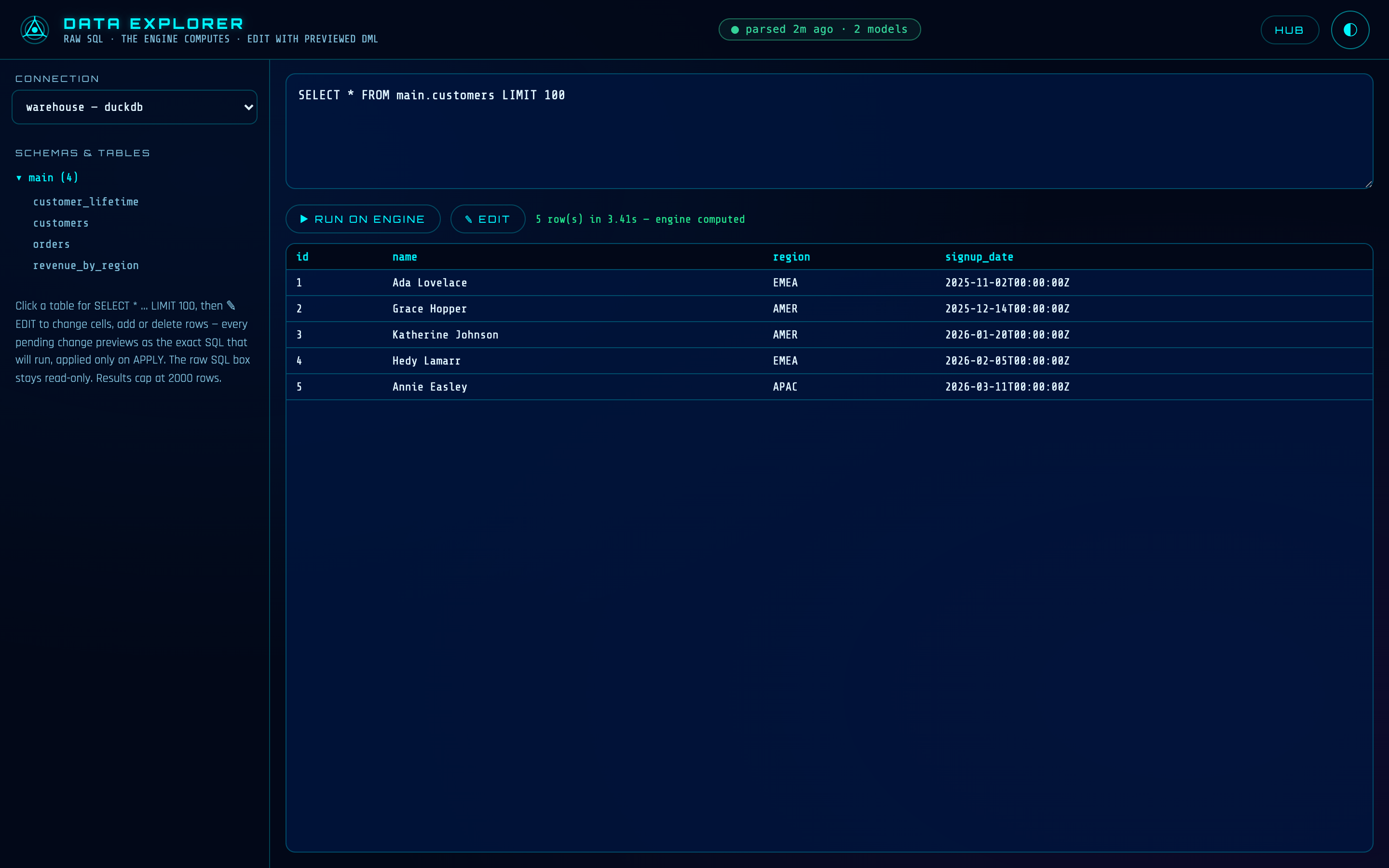
Browse a table and press ✎ EDIT. Now the grid is editable: change a cell, add a row, delete a row — and nothing runs yet. Every pending change lands in a tray, rendered as the exact SQL statement that will run. Not a paraphrase or a summary: one builder produces both the preview and the execution, so what you read is literally what the engine will receive.
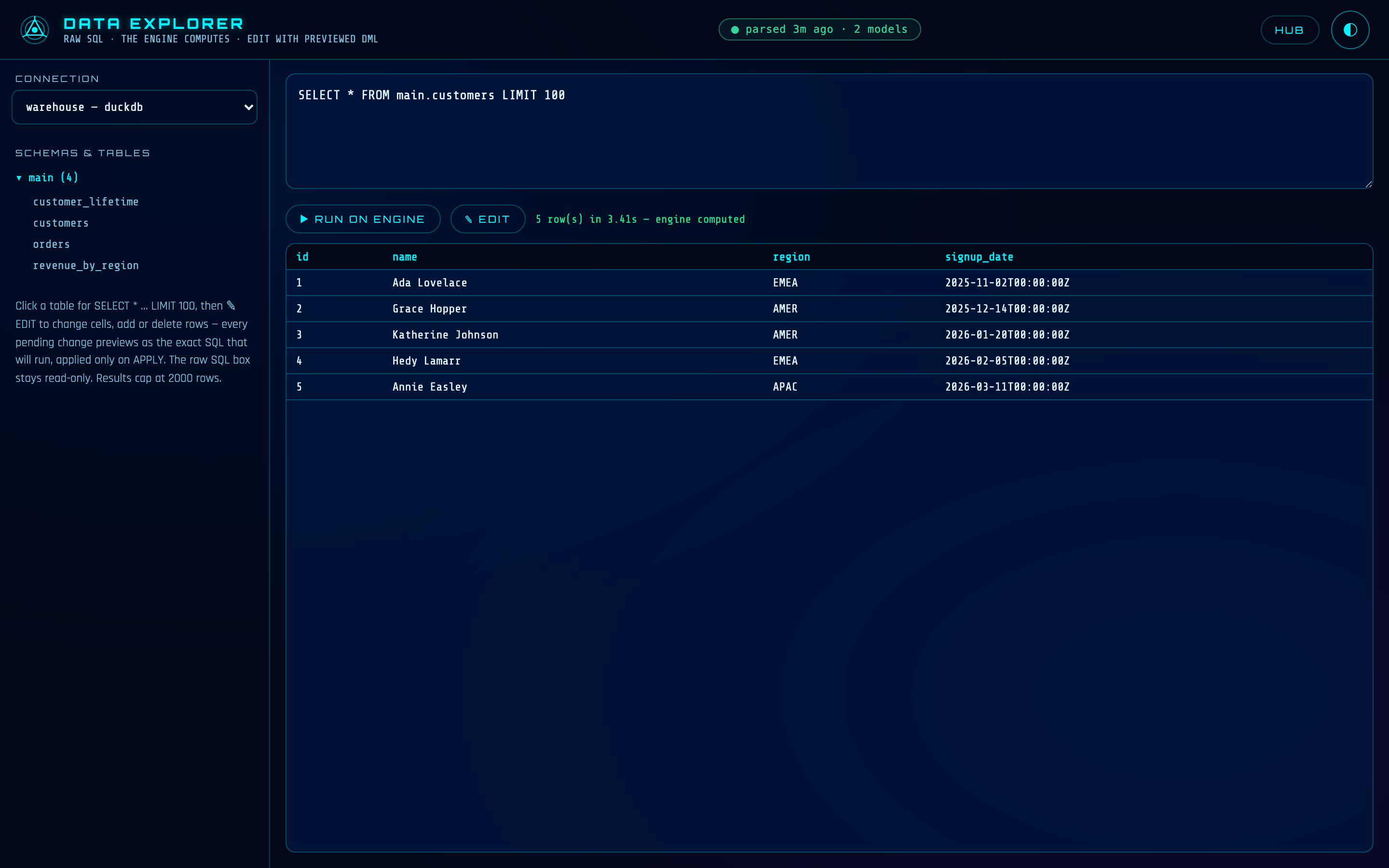
How rows are keyed.The editor discovers the table's primary key from the engine's own metadata and keys every UPDATE and DELETE on it. On engines without discoverable key metadata, rows are keyed by every original column valueinstead — and the tray tells you that's what's happening, before you apply.
Nothing runs until APPLY. The APPLY TO ENGINE button is the only thing that touches the engine. Changes run in order and stop at the first failure — the rest are reported as not attempted, never silently skipped. Each statement comes back with its affected-row count, so a key that matched zero rows, or two, is visible instead of silent.
Keyless writes are refused — server-side. An UPDATE without a key would touch every row; a DELETEwithout a key would empty the table. The server refuses both by name, no matter what a client sends. The grid editor can't be talked into a bulk write by accident.
DEEP LINKS
The URL hash tracks where you are. Paste a link and the Explorer browses straight there on load:
/explorer#pg_prod/public/orders        straight to that table
/explorer#pg_prod/public/orders/edit   …and straight into EDIT mode
The shape is #connection/schema/table, with an optional /edit. Bookmark the tables you keep coming back to; drop a link in a message instead of describing where to click.
HOW IT RELATES TO THE CLI
The connections are your profiles.yml outputs — the same ones dvt runuses, managed without hand-written YAML in the hub's CONNECTIONS tab. And the grid editor's writes travel the same cross-engine execute lane as model pre/post hooks and dvt exec — one write path through DVT, previewed here, scripted there.
IN PLAIN DBT
There is no data browser at all — checking what a run actually produced means leaving for psql, DBeaver or SSMS, with a second copy of every credential. The Explorer reads the same profile your runs use, on every engine at once.
REFERENCE
| Path | /explorer on the suite origin (suite_port in dvt_project.yml, default 46100). |
| Starts with | dvt serve — the Explorer is part of the suite. |
| Prerequisites | A DVT project with at least one database connection in profiles.yml (file/bucket connections list but aren't browsable). |
| SQL box | Read-only, enforced by parse — writes are refused with a pointer to the grid editor and dvt exec. |
| Result cap | 2,000 rows, limit injected on the engine, truncation stated honestly. A viewport, not an export. |
| Writes | Grid EDIT mode only: pending changes previewed as exact SQL, keyed by discovered primary key (or every original column value), applied only on APPLY. Keyless UPDATE/DELETE refused server-side. |
| Network posture | Queries and writes answer loopback-only (127.0.0.1) — hosting the suite with --host never exposes them off the machine. |
| Deep links | #connection/schema/table, optional /edit suffix. |