SETTINGS
Settings is the suite's control plane: the one place you manage this machine and this project — your account, the hardware federation runs on, every connection in profiles.yml without writing a line of YAML, and the single AI credential the whole product uses. It lives inside the hub, five tabs across the top, and everything it holds stays on your machine.
OPENING IT
Run dvt serveand the hub opens in your browser — Settings is right there on the hub's front page (http://127.0.0.1:46100by default; the port is your project's suite_port pin). Five tabs: ACCOUNT, MACHINE, CONNECTIONS, AI CREDENTIALS, HOSTING. Deep links drop you exactly where the fix is — #/settings-conn opens CONNECTIONS directly, and DVT error messages link straight to the right tab.
$ dvt serve        # opens the hub — Settings is its front page
# straight to connections: http://127.0.0.1:46100/#/settings-conn
CONNECTIONS — PROFILES.YML WITHOUT THE YAML
The CONNECTIONS tab is a full credential manager for this project's profile. At the top: the profile name, the path of the profiles.yml it edits, and the default-target dropdown. Below: every connection as an editable card. Click + ADD CONNECTION, pick an engine or bucket from the dropdown, and that engine's own form renders — hosts and ports pre-filled with sensible defaults, secrets as write-only password fields, a folder picker on filesystem paths (it can reach keyfiles in hidden folders like ~/.ssh, because a picker that can't reach your keys picks nothing).
One field looks the same on every engine: Retries. It writes the adapter's own key — retries, retry_count, connect_retries, num_retries, duckdb's nested retries.connect_attempts — so dbt honours it for its connection and DVT honours the same key for its extraction and load connections.
Where an engine speaks several authentication methods, an AUTH TYPE dropdown swaps the credential fields in and out, spelled exactly as the profile expects: Snowflake password / keypair / SSO / OAuth, BigQuery service-account / gcloud ADC, Databricks token / OAuth browser / service principal, SQL Server and Fabric SQL login / Entra ID / service principal. An existing connection recognizes its method from the profile's own keys and opens pre-selected — and switching methods clears the abandoned method's fields on save, secrets included, so a stale password can never silently keep winning over a fresh keypair.
Every write is careful by construction: scoped to thisproject's profile (other profiles in the same file are preserved untouched), a timestamped backup beside profiles.yml before each change, duplicate names refused, deleting the default target refused until you pick another — and a profiles.ymlthat won't parse is refused, never rewritten, so a broken file can't cost you every credential in it.
TEST CONNECTIONS — PROVE IT BEFORE YOU RUN
One button probes every connection, live and in parallel, on both layers DVT actually uses: the adapter that runs your models, and the data-movement layer that carries federated extracts. Results render per connection as they land — a badge per layer, real failure reasons inline, buckets marked as movement-only, and a final N/M fully operational verdict. It's dvt debug --all behind a click, so what passes here passes in the terminal too.
Next to it, SYNC SOURCES runs dvt sync in the background and streams its log until it reports synced — connections first, sources declared, project ready.
AI CREDENTIALS — THE ONE GATEWAY
DVT's AI features — Chat with Martin today — run through one outlet: AI-Proxy, a self-hosted, OpenAI-compatible gateway over the AI subscriptions you already own, with local Ollama routing for air-gapped floors. Individuals run it on their own machine; an on-prem floor runs it on one box and everyone reaches models over the internal network. DVT never takes per-token API keys — this tab holds exactly one credential: the gateway's base URL and key.
The card's TEST button proves the stored credential works by asking the gateway for its model list — separating saved wrong from service downin one click, without ever echoing the secret. And the project's kill switch outranks everything: with ai_enabled: false in dvt_project.yml, even TEST refuses — zero AI-bound bytes leave the machine, product-wide.
ACCOUNT, MACHINE, HOSTING — THE OTHER THREE TABS
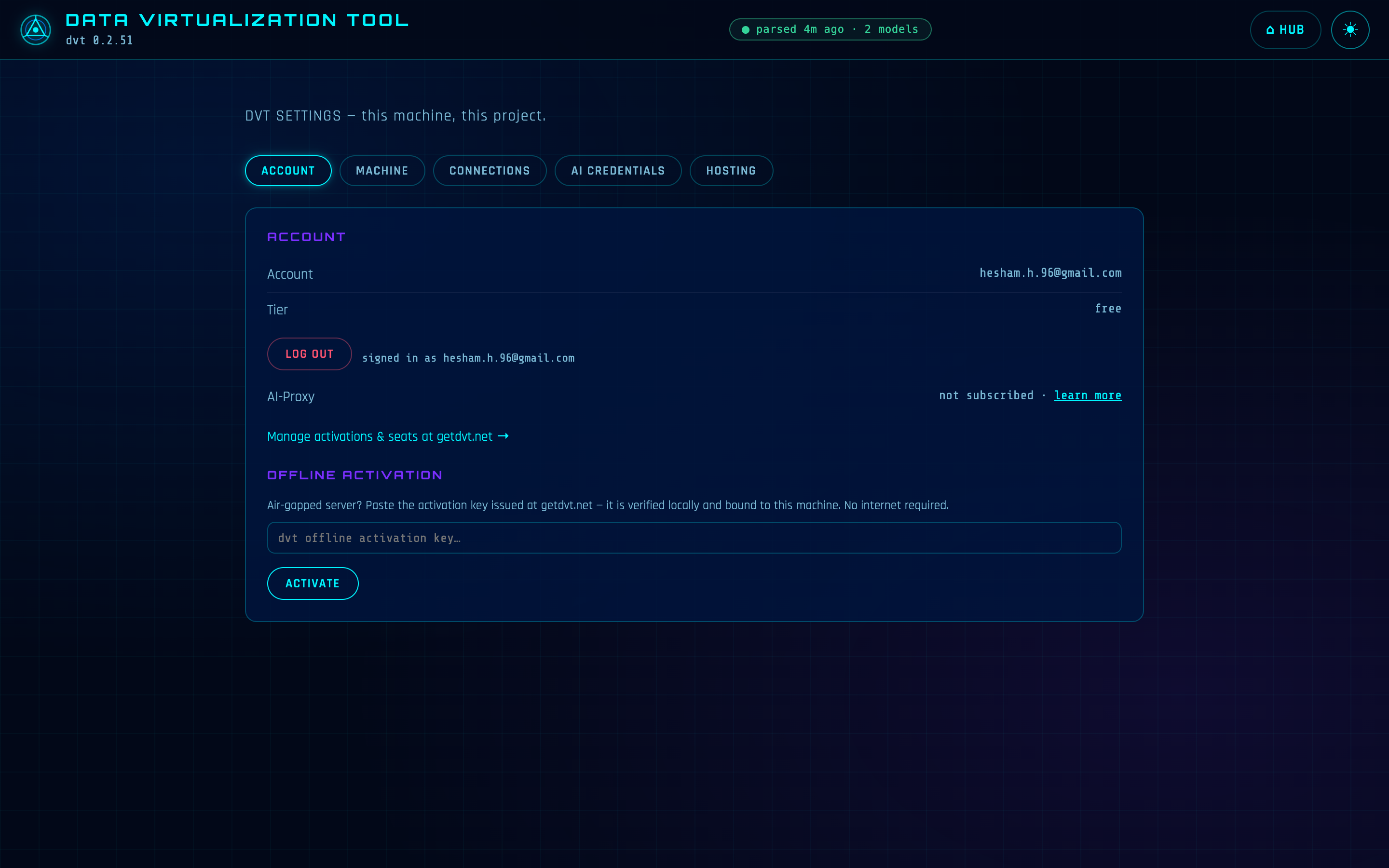
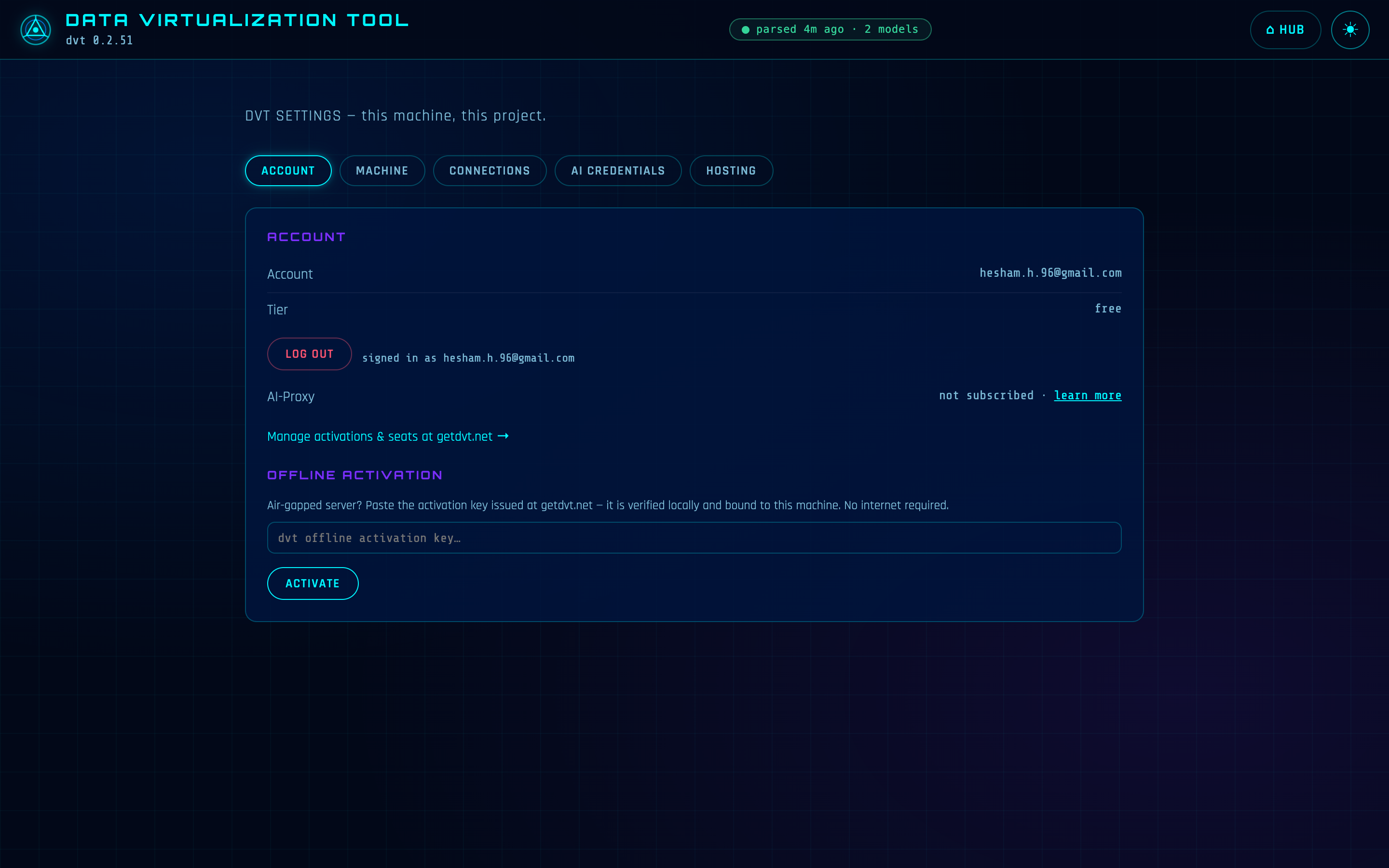
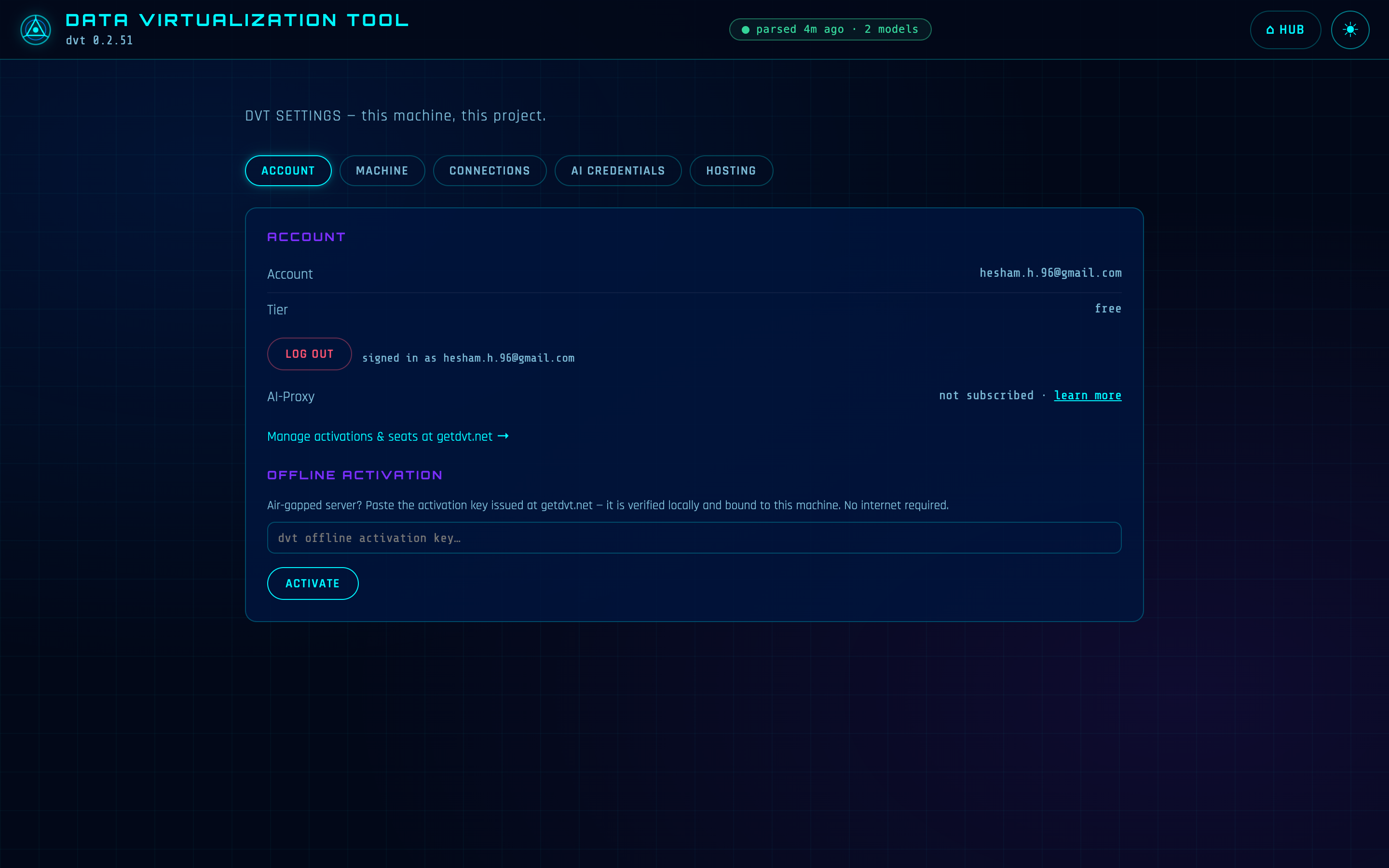
ACCOUNT shows your email, tier and AI-Proxy subscription from cached credentials — never a network call just to draw the page. Signing in from here runs the same browser approval flow as dvt login, and an air-gapped server can paste a machine-bound key instead: verified locally, bound to that hardware, no internet involved. MACHINE shows OS, processor, cores and RAM with the sizing truth attached: cross-engine joins compute here, on this machine, so these numbers are your federation budget. HOSTINGis the page for your network admin: every app's path on the suite origin and its auth posture, in one table.
WHAT NEVER LEAVES THE MACHINE
This is the honest boundary, and it's worth stating plainly: your profiles and credentials live locally, full stop. profiles.ymlis a local file; Settings edits it in place with backups. AI and account secrets live in DVT's machine store under ~/.dvt, readable only by you. No credential is ever sent to DVT's servers, included in telemetry, or echoed back to the browser — saved secrets display masked, and saving a masked value means "keep what's there," so the real value never round-trips at all.
WRITE POSTURE
Every Settings write — credentials, AI keys, activation — answers only on 127.0.0.1, even when the suite is exposed with --host. Reading a status never needs the network; writing a secret never leaves the machine.
HOW IT RELATES TO THE CLI
Settings writes the same files the CLI reads — there is no second config store. The connection forms edit the profiles.yml that dvt run and dvt debug resolve; TEST CONNECTIONS is dvt debug --all; SYNC SOURCES is dvt sync; the ACCOUNT tab's sign-in is dvt login driven from the browser. Anything you set here is exactly what your next terminal command sees.
REFERENCE
| WHAT | WHERE |
|---|---|
| Path | the hub's front page on the suite origin (suite_port, default 46100) — five tabs |
| Starts with | dvt serve · stops with dvt kill |
| Needs | a project with a dbt_project.yml profile; nothing else — connections can start from zero |
| Edits | profiles.yml (backup on every write) and the ~/.dvt machine store — the same files the CLI reads |
| Security | binds 127.0.0.1; every settings write answers loopback-only regardless of --host; secrets masked, write-only, never logged |