SCHEDULER
The Scheduler runs your dvt commands on a schedule — the nightly build, the hourly test, the weekly docs regeneration — and keeps an honest record of every run. It's a job list, a cron picker and a log reader in one page, and everything it does stays inside your project.
OPENING IT
Run dvt servein your project and the hub opens on your project's suite port — 46100 unless you've pinned a different suite_port in dvt_project.yml. Click the SCHEDULER tile, or go straight to the path:
$ dvt serve
# then, in the browser:
http://127.0.0.1:46100/scheduler
CREATING A JOB
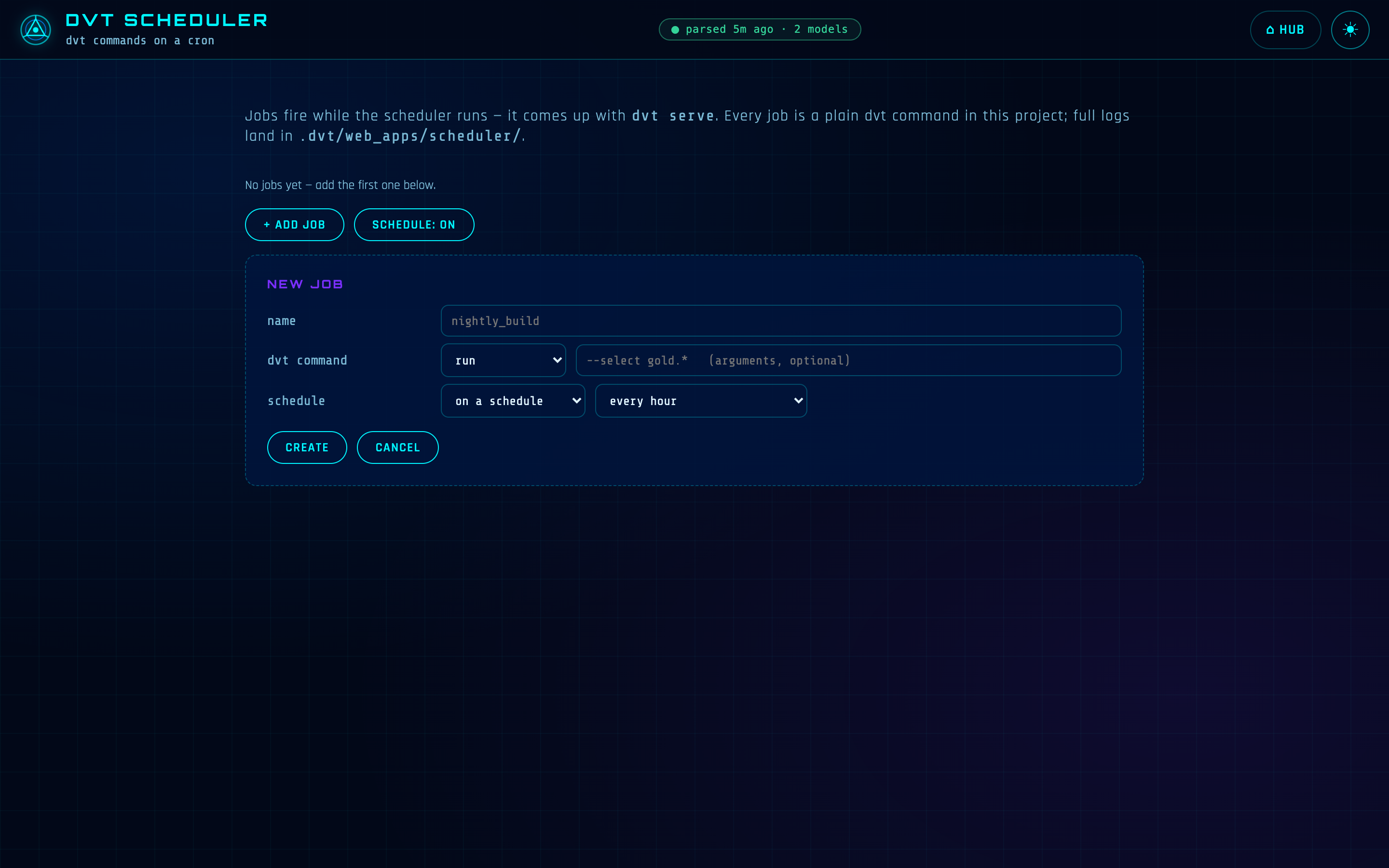
+ ADD JOB opens a small form: a name (letters, digits, -, _), the command, and the schedule. The command is built from a dropdown of dvt verbs — run, build, test, seed, snapshot, compile, docs, sync, retract, clean— plus an arguments box for the flags you'd normally type, like --select gold.*.
For the schedule you choose between on a schedule and manual only. Scheduled jobs pick a cadence from presets — every hour, daily @ 06:00, weekly, monday @ 06:00, every 15 minutes — or custom cron…, which unfolds five labeled dropdowns (minute, hour, day, month, weekday) and composes the cron expression for you. No cron syntax to remember, nothing to mistype.
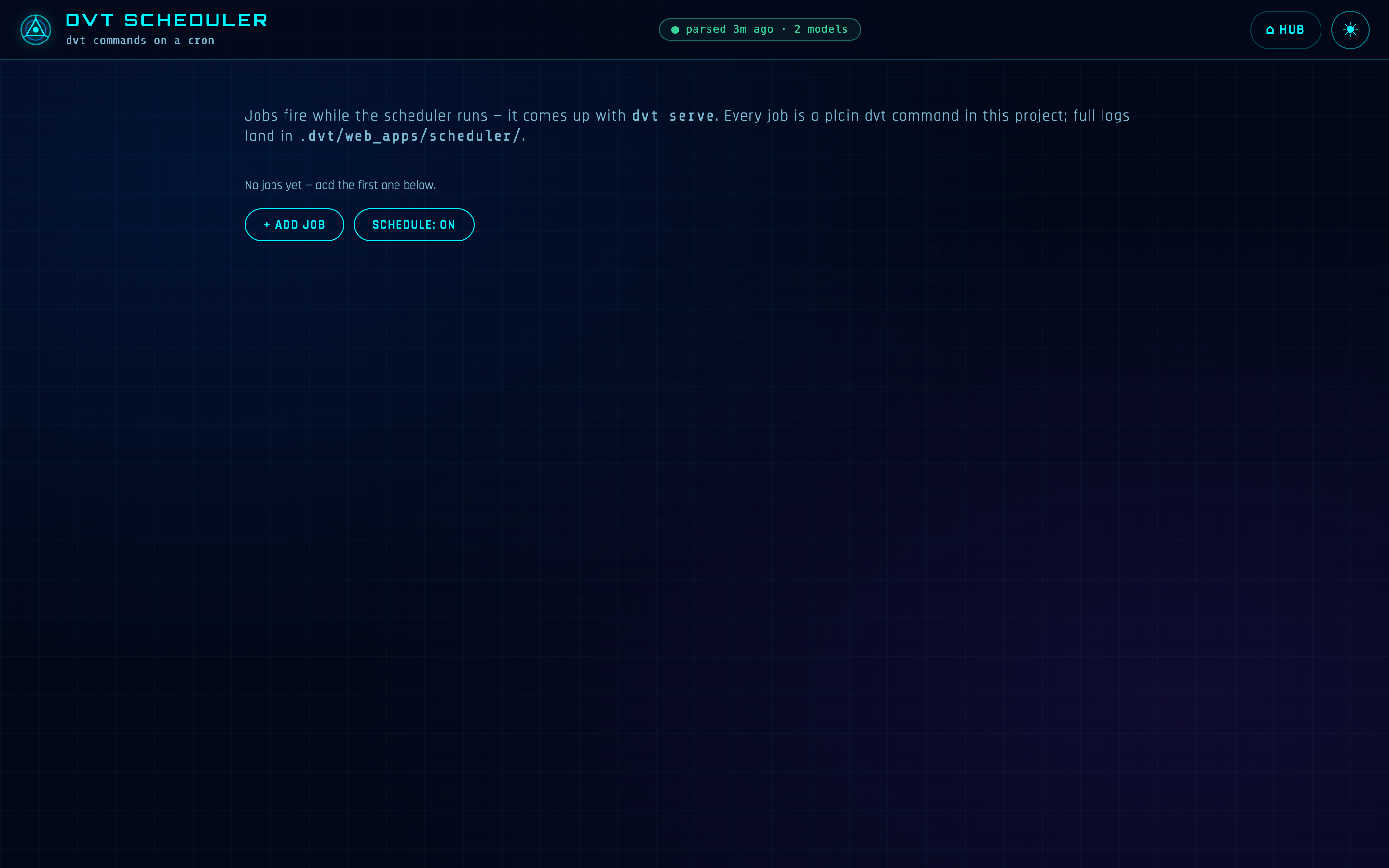
A manual-onlyjob has no cadence at all — it's a saved command you fire with RUN NOW whenever you need it. Its card says so plainly: run it when you need it.
COMMANDS ARE DVT, AND ONLY DVT
The command box isn't a terminal, and can't become one. A job is always dvt <verb> [args] — the verb comes from a fixed whitelist, the arguments are checked character by character, and shell metacharacters are refused by name. What runs is the command itself, never a shell line.
WHAT NEEDS A HUMAN STAYS WITH A HUMAN
dvt metadata propagate is refused as a job even though other metadatawork can be scheduled: it rewrites declarations and can fully refresh incremental models, and that consent can't be given by a cron. The refusal says exactly that — schedule dvt metadata refresh --all and propagate by hand.
THE JOB CARDS
Each job is a card: a status dot (green for a clean last run, red for a failure, amber while running), the name, its cadence as a pill — the cron expression, or manual only — the full command, the last run with its outcome and duration, and the next run time. The buttons under it do what they say:
RUN NOW— fire the job immediately, schedule or no schedule. If it's already running you get skipped — already running, not a second copy.ENABLE/DISABLE— pause one cron job without deleting it (manual-only jobs don't need this).KILL— appears while a job runs. A polite stop first, a hard stop five seconds later if it lingers — and it takes the job's child processes down with it, so nothing is left running headless.LOGS— the job's run history (next section).DELETEasks first.
Above the cards sits the master switch: SCHEDULE ON/OFF. Off pauses the whole schedule — nothing fires on cron, every card says schedule paused, jobs stay saved, and RUN NOW still works. Flip it back and the next scheduled times fire normally.
RUN HISTORY AND HONEST LOGS
LOGSopens the job's history, newest first — each run with a colored dot, its start time, what triggered it (cron or manual), its outcome and duration. Click a run and it unfolds into a parsed summary: the result line's PASS / WARN / ERROR / SKIP counts, then three sections — WENT WELL, WARNINGS, ERRORS— pulled from dvt's own output markers, with a FULL RAW LOG button when you want every line. The raw logs are ordinary files inside your project, under .dvt/web_apps/scheduler/.
History is honest about the odd cases too. A run that was skipped, killed, or missed says so in as many words — a missed run even names the window the machine was down for. The last 50 runs per job are kept.
A run unfolded: PASS/WARN/ERROR/SKIP counts, WENT WELL / WARNINGS / ERRORS sections, and the full raw log.
THE TICK LOOP — HOW FIRING WORKS
The scheduler lives inside the dvt serveprocess. While the suite is up, a tick loop checks every minute and fires the enabled jobs whose cron matches — so schedules stay alive exactly as long as the suite does. It's an honest localscheduler, not a system daemon: it makes no promise it can't keep.
If the machine was asleep or the suite was down when a job's minute came, that minute is missed, not queued. The gap is recorded in the job's history — MISSED · SKIPPED, with the window named — nothing ever fires late, there is no backfill storm on wake-up, and the next scheduled time fires normally. That policy is fixed; there's no per-job knob to change it.
OVERLAP — PLAINLY
Every run is its own isolated process with its own log file, so runs never share anything: any number of different jobs can be running at the same moment without touching each other. The nightly build and the hourly test overlap freely.
The one thing the scheduler won't do is stack a job on itself. If the 02:00 run of nightly_build is still going when 03:00 comes around, the 03:00 firing is recorded as skipped — previous run still going instead of starting a second copy on top of the first.
STOPPING THE SUITE VS. STOPPING THE WORK
dvt killstops the suite, and with it the scheduler — nothing fires after. But a job that's mid-run is its own process and finishes its work. Its run was recorded the moment it started, so it can't vanish from history; on the next start, runs the scheduler lost sight of are marked interrupted, with a pointer to their log for the actual outcome. Killing running work deliberately is what the per-job KILL button is for.
HOW IT RELATES TO THE CLI
A job runs the exact command you'd type. Schedule run --select gold.* and what executes at 06:00 is dvt run --select gold.*, in this project, with this project's connections — same output, same artifacts, same behavior as your own keyboard. The scheduler adds nothing but the clock and the record.
Its state is plain project-local files under .dvt/ (gitignored): scheduler.json holds the job definitions, scheduler_state.json the pause switch and the tick ledger, scheduler_history.json the run history. And like every DVT write surface, creating, editing, firing and killing jobs answer only from the machine the suite runs on — loopback only, regardless of how the suite is hosted.
REFERENCE
- Open at:
/scheduleron the suite port (default46100, pinned bysuite_port) - Started by:
dvt serve— jobs fire while the suite is up;dvt killis the off switch - Needs: a DVT project — jobs run in the project the suite was started from
- State:
.dvt/scheduler.json,.dvt/scheduler_state.json,.dvt/scheduler_history.json; run logs in.dvt/web_apps/scheduler/— project-local, gitignored